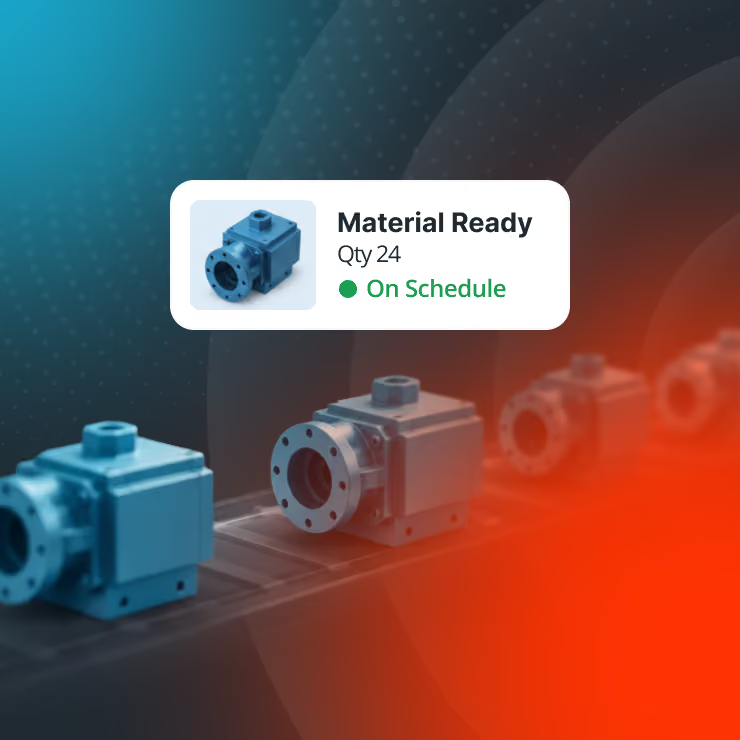
The Problem for Most? Customize Today, Pay for It Tomorrow
Customizing your inventory software doesn't seem like a risk. However, layer too many modifications on top of each other, and your codebase turns brittle, upgrades become a gamble, and support flinches at every patch. Give it a few more years, and your system runs on tribal knowledge that could unravel the moment a key person leaves.
Localized workarounds become the norm for even the most standard of processes.
Perhaps receiving steps are customized for one location, a picking workflow is changed for another, or a new validation is added for a specific product line.
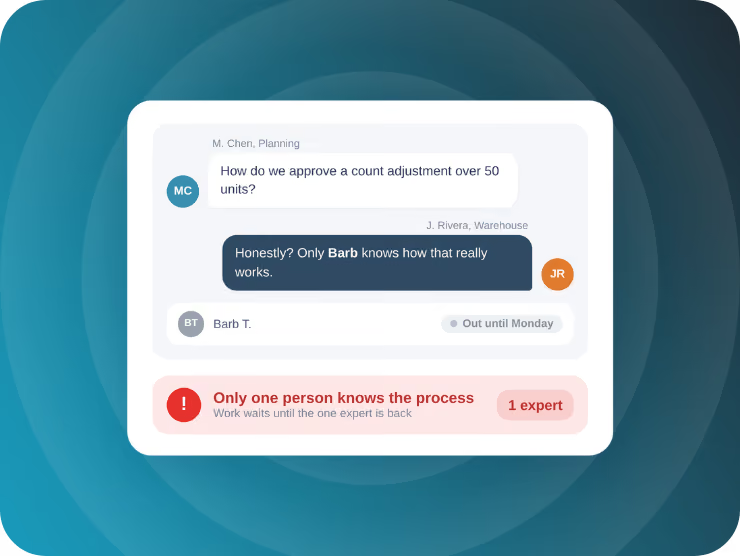
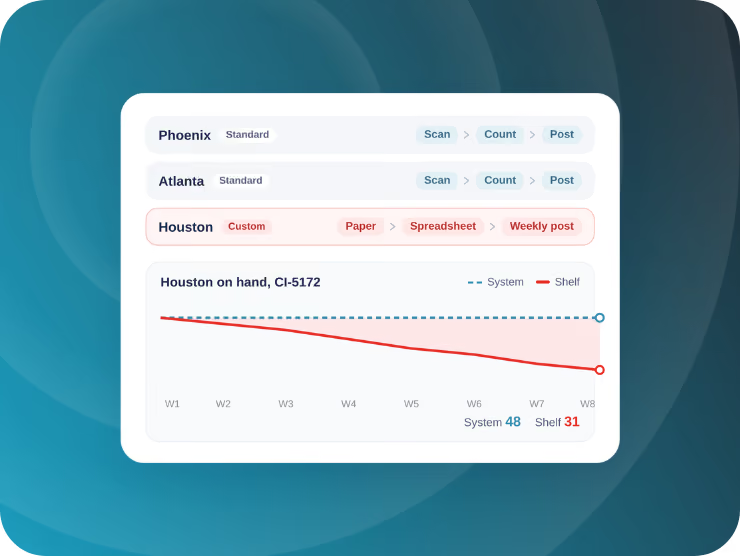
Some organizations may implement custom inventory workflows at just one of their locations.
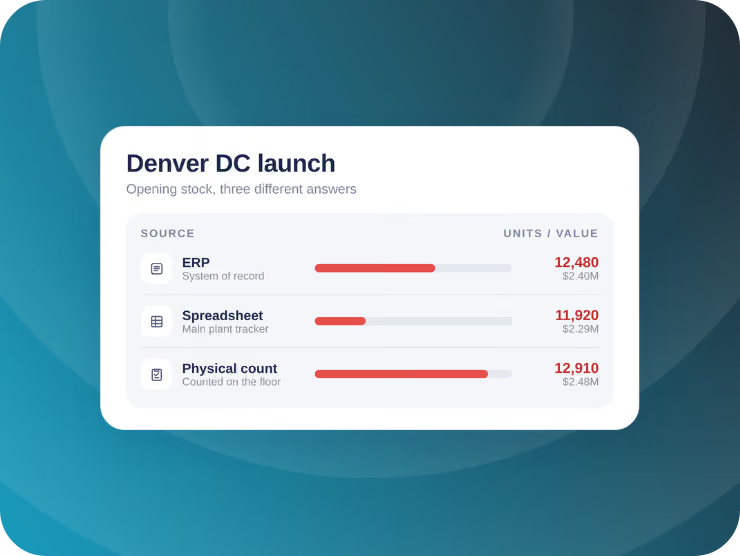
Over time, on-hand counts at one location could drift ahead of the system, with the gap only surfacing when an order fails against stock that was never actually there.
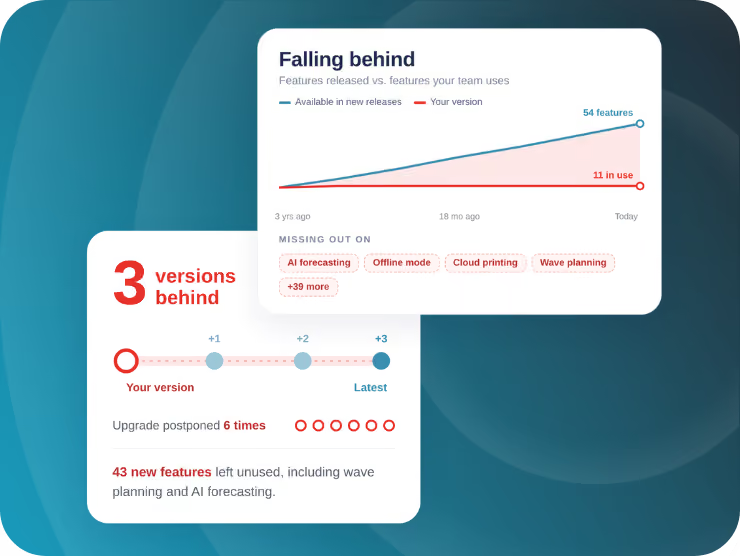
Teams with customizations hard coded in their inventory system may hesitate to upgrade to newer versions.
Rather than break a workflow that already works, teams push back software updates, and the system falls further behind on the features built into more recent releases.
All of these issues could converge the moment a company tries to grow or alter their processes.
New locations could wait months for IT to replicate custom workarounds no one documented, or finance might continue valuing inventory off numbers that nobody fully trusts.
Customize With Confidence
With Cloud Inventory, you don't have to choose between custom workflows and the latest technologies.
Take the Stress Out of Upgrades
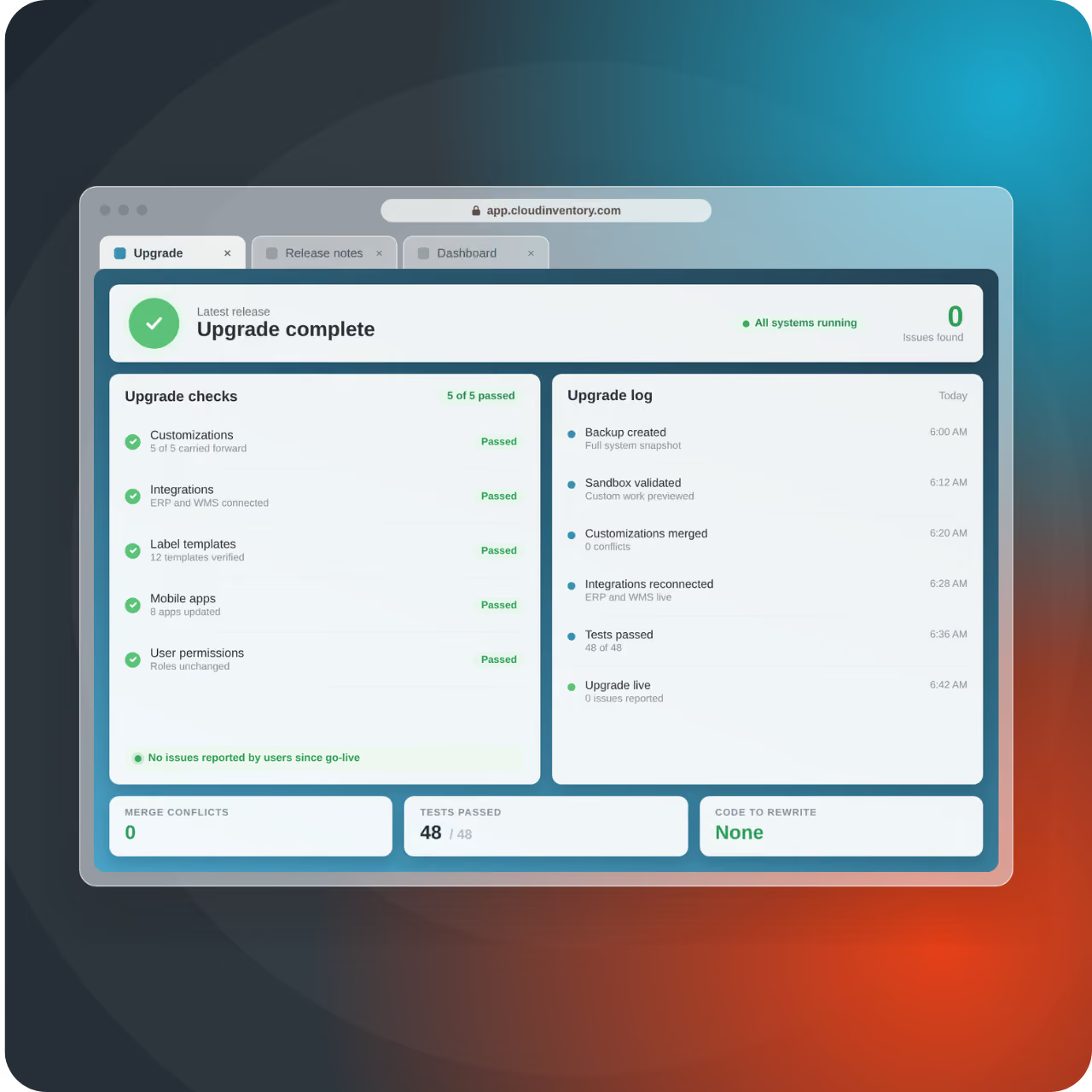
Turn the decision to upgrade into a no-brainer. Cloud Inventory's low-code and no-code customizations are easier to work with than traditional code, especially when it comes to merging custom work into new product releases.
Reduce Technical Debt
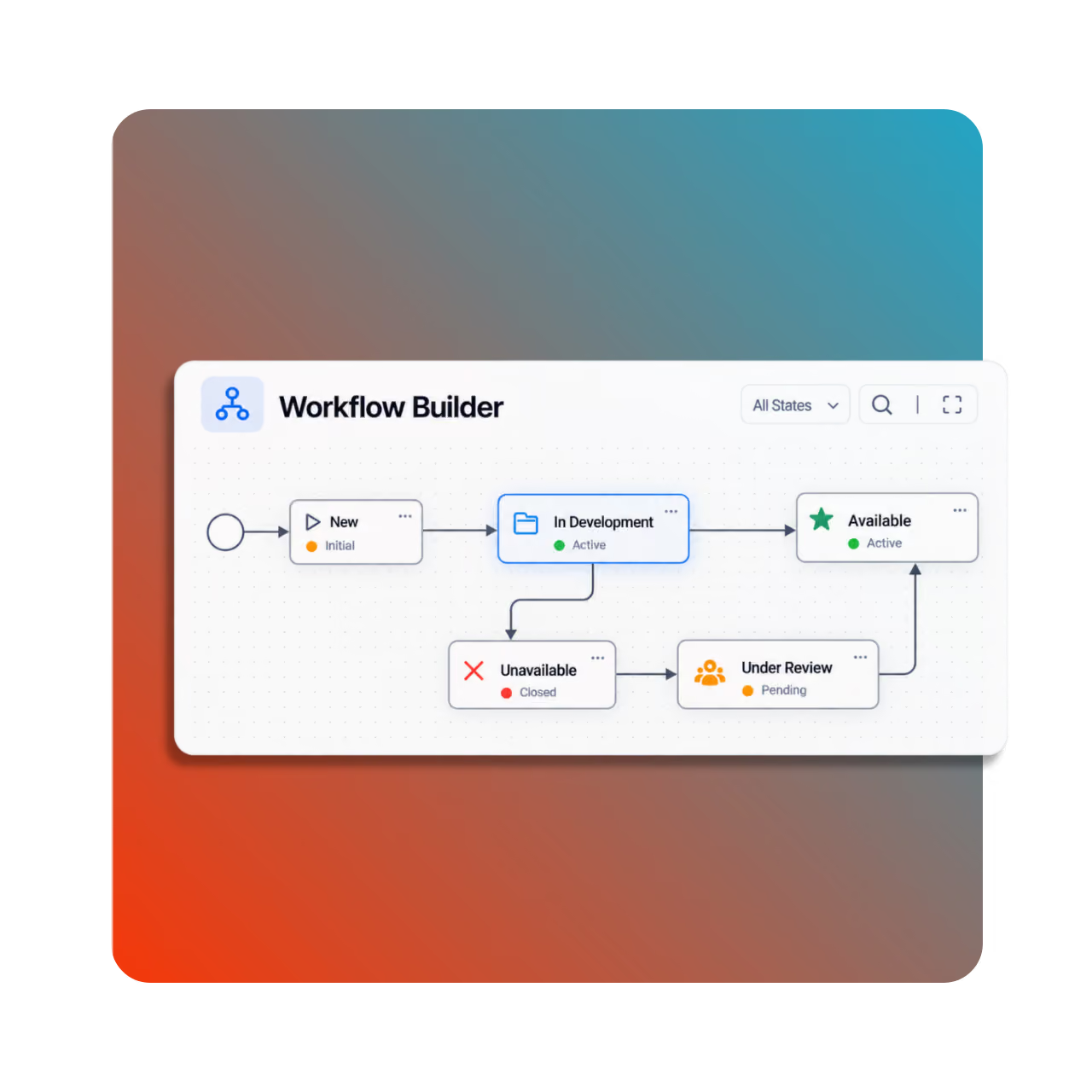
Build and configure workflows, apps, and integrations using Cloud Inventory's low/no-code tools. With less custom code to maintain, your team can spend more time on the work that's actually moving your business forward.
Ditch Shoddy Integrations
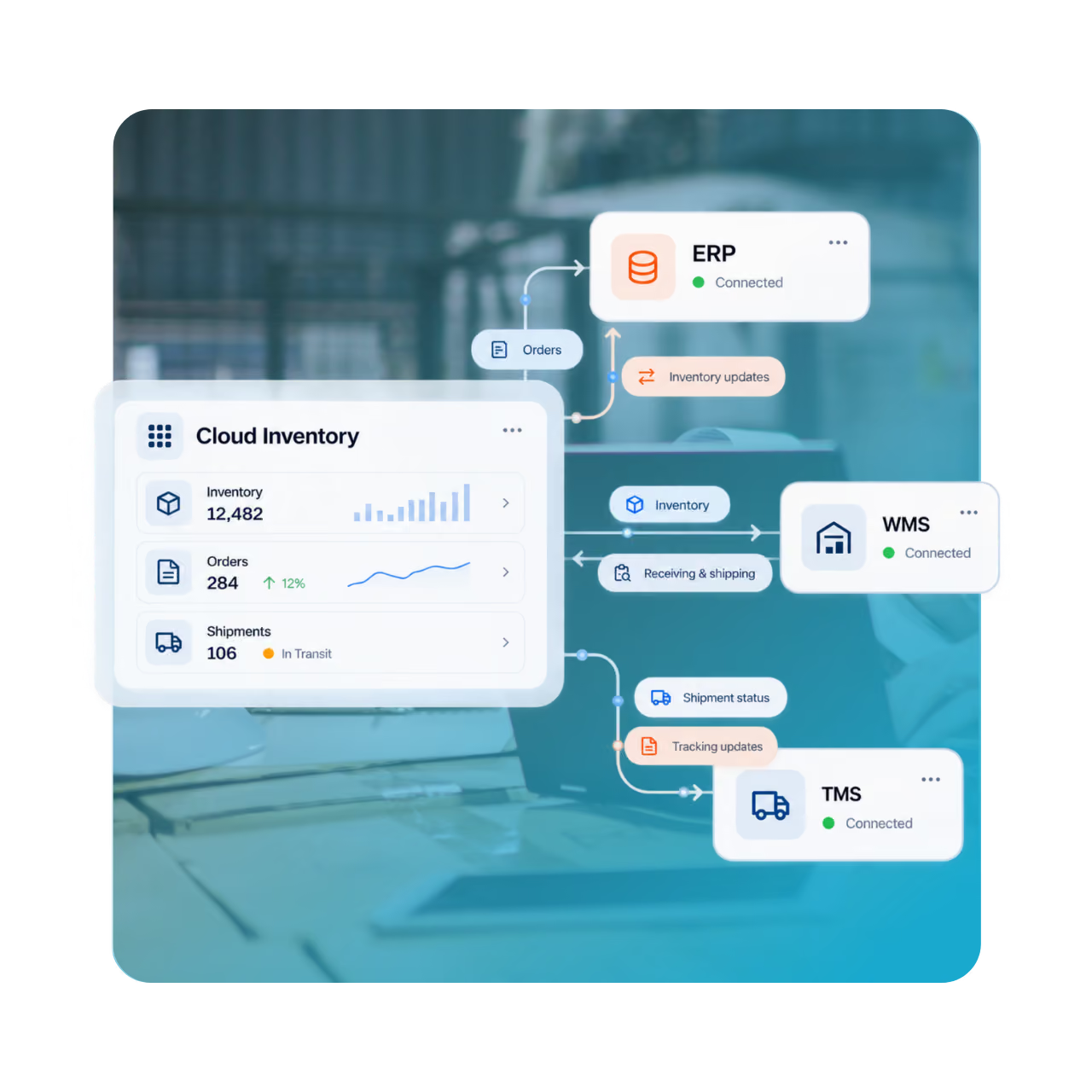
Cloud Inventory applications come built with APIs, with RESTful integrations available out of the box. No need to write point-to-point code for every integration or worry about changes to one system impacting another.
The Impact of Technical Debt
99%
of businesses
42%
of an average developer's work week
80%
of organizations
$370M
wasted through tech debt each year
Choose the Right Inventory Control Approach
Two different ways to upgrade your inventory operations, each designed to boost accuracy, speed, and visibility.
Plug Straight Into Your Current Setup
Keep data flowing between your ERP and every inventory activity for an up-to-date snapshot of your operation.








FAQs
Get answers to common questions about how Cloud Inventory approaches customization and technical debt.
If I upgrade my ERP, what happens to my Cloud Inventory customizations?
Any custom work done in Cloud Inventory will sustain through an ERP upgrade.
What is technical debt?
Technical debt is the hidden cost of using hard coding and other traditional methods during software development. Like financial debt, these development techniques accrue "interest" over time, meaning systems get harder to update, maintain, and scale until the shortcuts are eventually "paid off" AKA addressed properly.
What's the difference between technical debt and a bug?
A bug is an unintentional defect that causes code to break. Technical debt is something that works today but was built in a way that will cost more time, money, or stability to maintain or update down the road.
What happens to customizations made in low-code vs. no-code environments during upgrade time?
Whether you used a low-code (Mobile Enterprise Platform) or no-code (Cloud Inventory Platform) environment to build your custom Cloud Inventory solution, you can trust that it will last through each new release. Every no-code customization you make in CIP gets automatically merged with each new release. Low-code customizations in MEP also sustain through upgrades, but the process is not as automated as a purely no-code environment.
How is a Cloud Inventory customization different from a workaround?
A workaround is a patch bolted onto a system to get through today. A Cloud Inventory customization is built into the platform itself, so it's supported, upgrade-safe, and built to last, not just built to work.
Do customizations slow down my system's performance?
No. Because Cloud Inventory customizations are built on the same architecture as the platform itself, they run at the same speed and scale as everything else.
What's the difference between a "configuration" and a "customization" in Cloud Inventory?
Configuration means adjusting settings within the platform's existing framework. Customization means extending the platform to do something it doesn't do out of the box. Cloud Inventory treats both the same way when it comes to upgrades: neither one gets left behind.
Other Common Inventory
Pain Points We Solve
Inventory challenges look different across every operation. Explore how Cloud Inventory helps solve common barriers to visibility, control, and efficiency—from the warehouse to the field.
Inventory Control
Your ERP plans the work, but execution happens on the floor. Close the gap with real-time, mobile inventory control.
Operational Efficiency
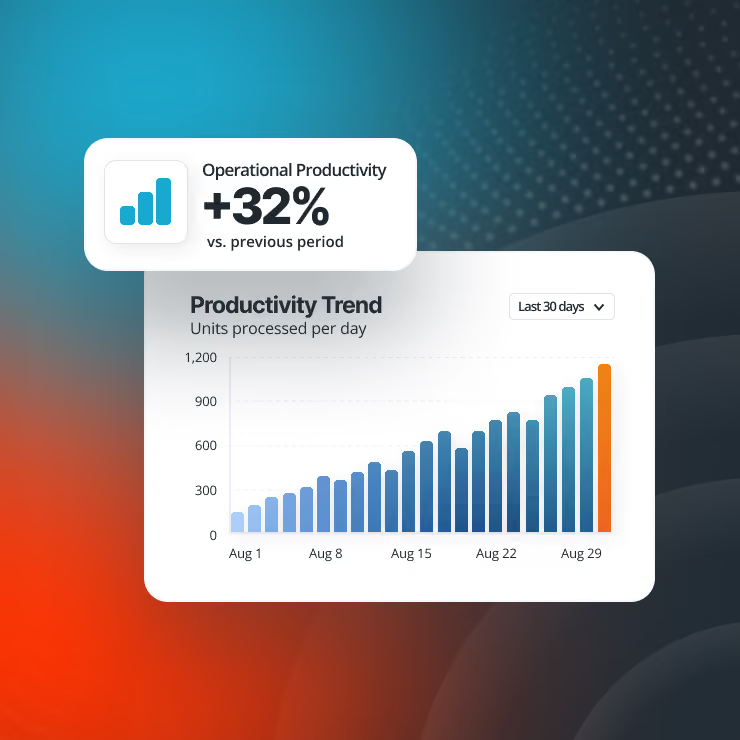
Inventory inefficiencies add time and cost to every transaction. Help your team accomplish more with less effort.
Warehouse Management
Warehouse complexity is growing, but a full WMS may be overkill. Gain the control you need without the overhaul.
Practical AI Adoption
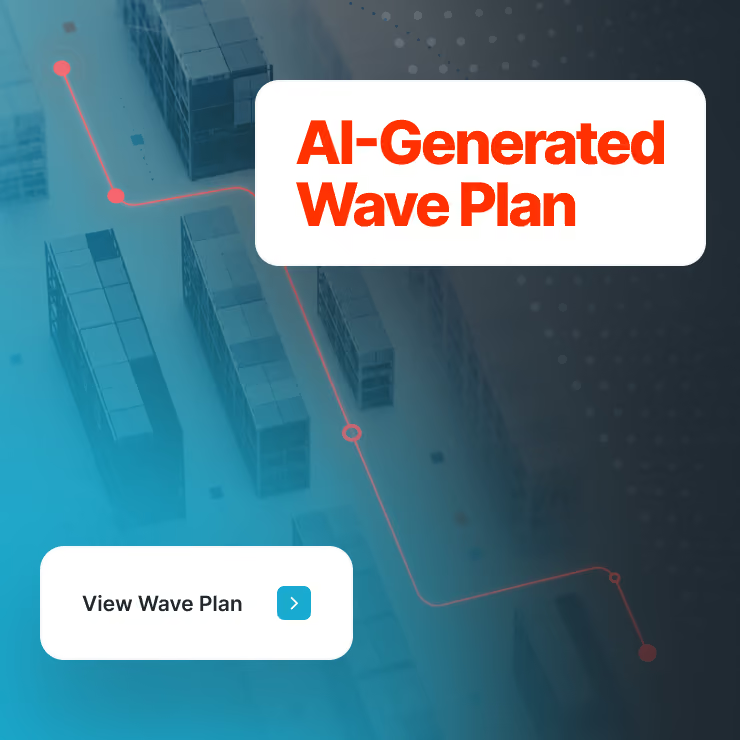
Introduce AI that actually makes an impact. Focus on proven use cases that can help you improve control and deliver significant ROI.
Mobile Data Capture
Still relying on paper and manual entry? Capture inventory movements accurately with mobile scanning.
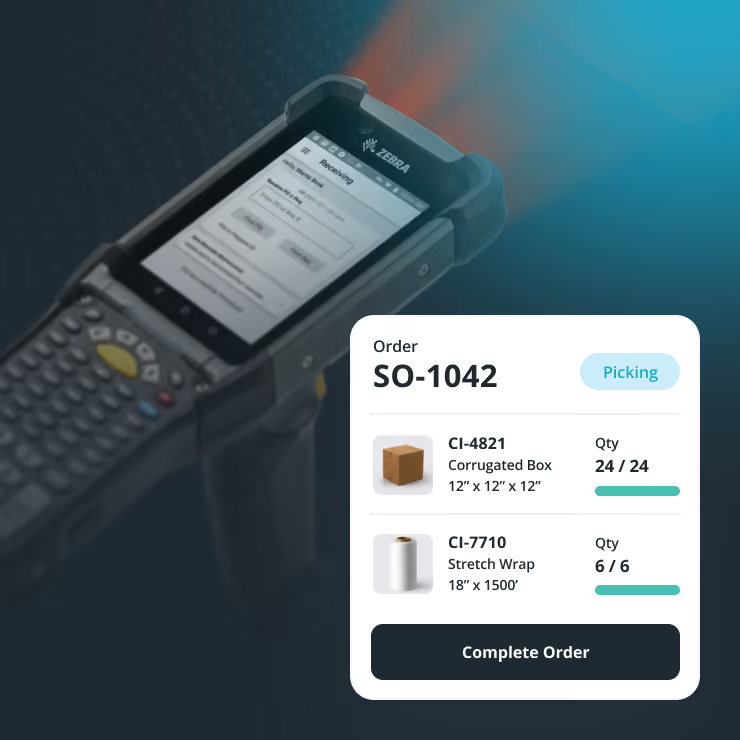
Inventory in the Field
When inventory leaves the warehouse, visibility disappears. Regain control across trucks, sites, and the field.
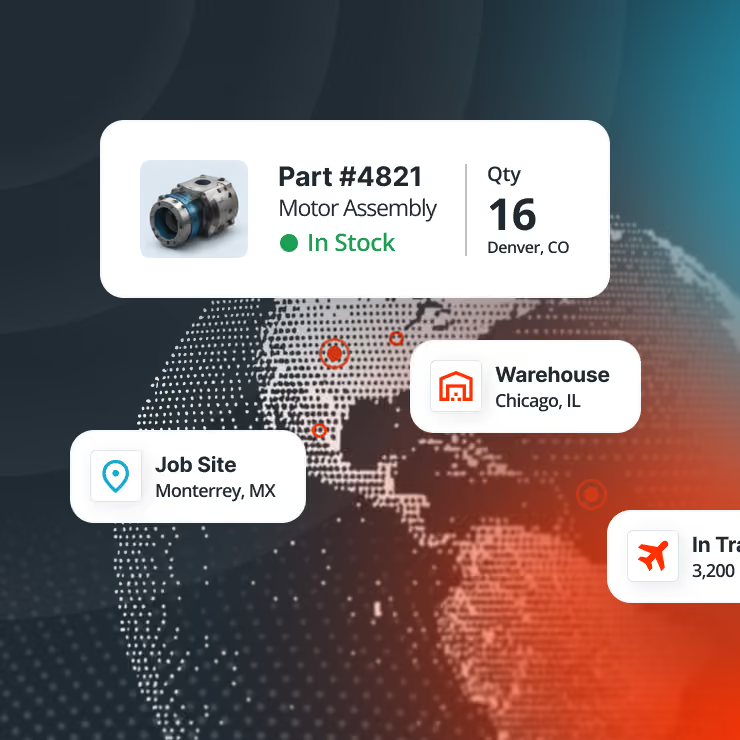
Manage Manufacturing Materials
Lost visibility on the shop floor can lead to shortages and excess stock. Track materials as they're consumed.