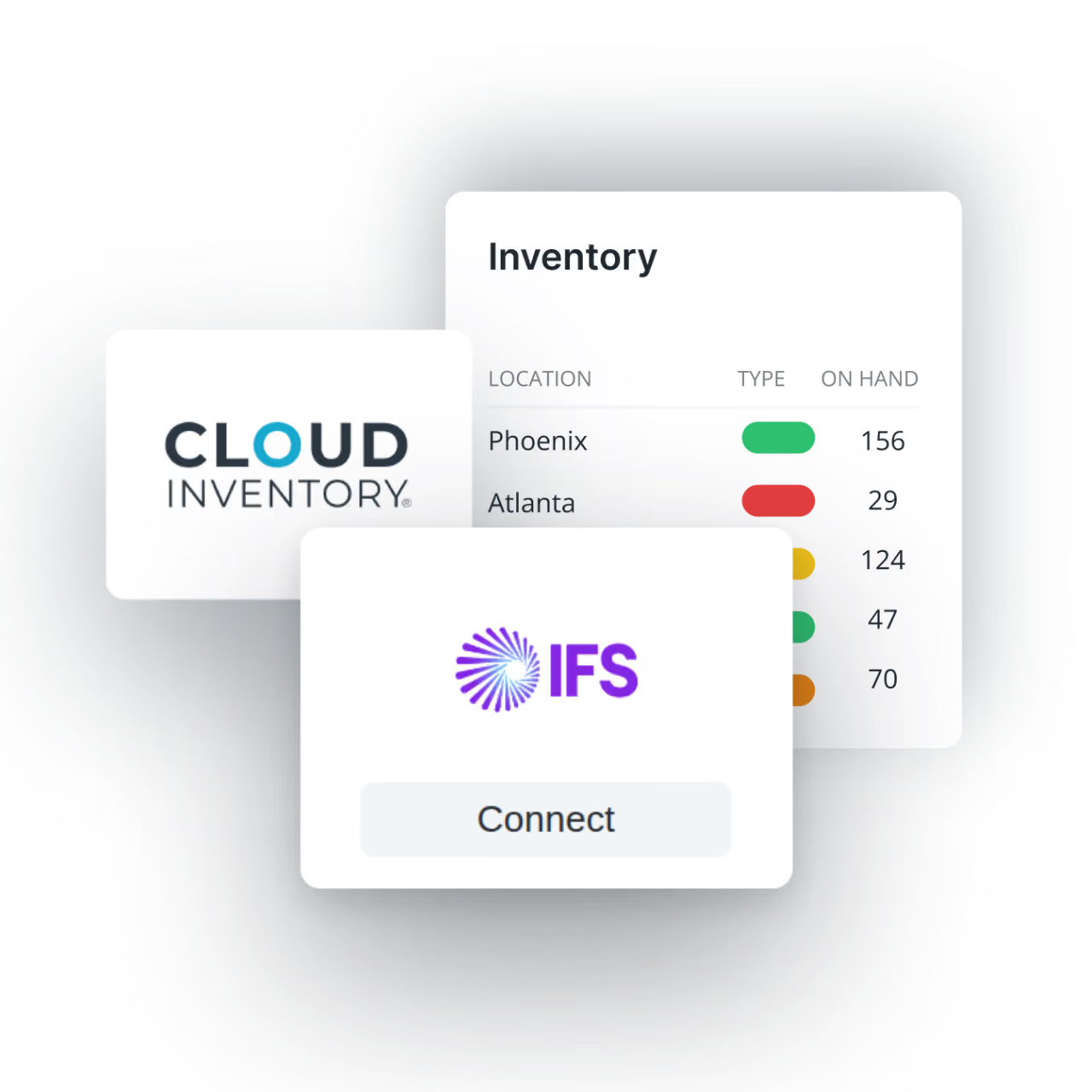
How Cloud Inventory & IFS Sync in Real Time
Equipped with robust features designed to simplify warehouse processes and improve accuracy, Cloud Inventory's ScanWorks offering brings real-time data synchronization to mobile compatibility - features ensure that your inventory management is optimized and error-free.
- Real-Time Data Sync
- Lot/Serial Tracking
- Custom Workflows
Integration Key Capabilities

Real-Time Insights
Real-time sync keeps warehouse activity and IFS inventory data accurate and aligned.

Seamless Data Flow
Warehouse transactions flow automatically into IFS as work happens. No manual re-entry required.

Added Mobility
Give warehouse teams scan-driven workflows that improve speed, accuracy, and ease of use on the floor.

Stress-Free Modernization
Optimize warehouse execution processes without costly IFS customizations.
Advanced Workflows
Add wave picking, replenishment, LPN tracking, and directed workflows without the ERP complexity.

Inventory Focus
Keep IFS focused on core business and financial functions while Cloud Inventory handles inventory operations.
FAQs
Get answers to the most common ScanWorks questions.
What is ScanWorks?
ScanWorks is a mobile warehouse solution that connects barcode scanning directly with IFS ERP. It helps warehouse teams capture transactions where the work happens, improving inventory accuracy, reducing manual data entry, and keeping IFS inventory information current.
How does ScanWorks work with IFS ERP?
ScanWorks integrates warehouse activity directly with IFS ERP, allowing transactions captured through barcode scans to update IFS in real time. This reduces duplicate data entry while giving operations and business teams more timely, accurate inventory information.
What warehouse processes does ScanWorks support?
ScanWorks supports common inventory and warehouse workflows including purchase order receiving, inventory movements, cycle counting, customer order picking, RMA receiving, purchase order inspection, moving received goods into stock, and inventory inquiries.
How does ScanWorks improve inventory accuracy?
ScanWorks captures inventory data at the point of activity and uses barcode-driven workflows and validations to help ensure the correct parts, quantities, locations, lots, and serial numbers are recorded. This reduces manual errors and the need for downstream inventory corrections.
What devices can warehouse employees use with ScanWorks?
ScanWorks is designed for mobile warehouse execution and supports iOS and Android devices as well as industrial barcode scanners. This gives organizations flexibility to choose devices that fit their workforce and operating environment.
Can ScanWorks adapt to our warehouse processes?
Yes. ScanWorks supports customizable workflows that can be tailored to an organization's specific warehouse transactions and operating requirements. This helps businesses standardize execution without forcing every warehouse process into a rigid, one-size-fits-all workflow.
Plug Straight Into Your Current Setup
Keep data flowing between your ERP and every inventory activity for an up-to-date snapshot of your operation.
Oracle Fusion
Connect Cloud Inventory seamlessly with Oracle Fusion.

SAP
Effortlessly connect Cloud Inventory with SAP systems.

NetSuite
Connect NetSuite to improve inventory accuracy and control.

Microsoft
Connect Dynamics 365 F&O to improve warehouse execution.

JD Edwards Enterprise One
Connect JD Edwards E1 to improve inventory control and flow.

EBS
Connect Oracle EBS to improve inventory control and flow.