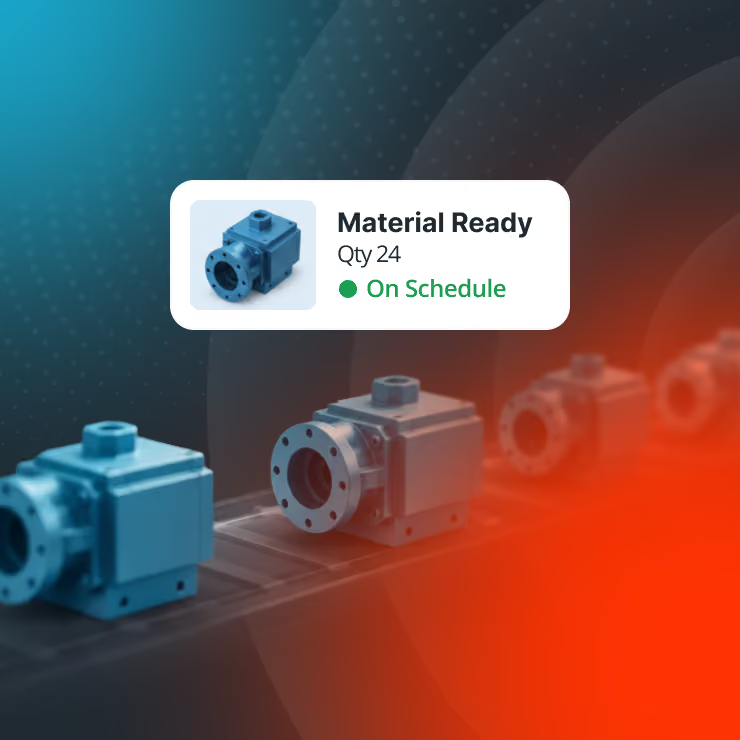
Manual Data Entry Leaves You in the Dark
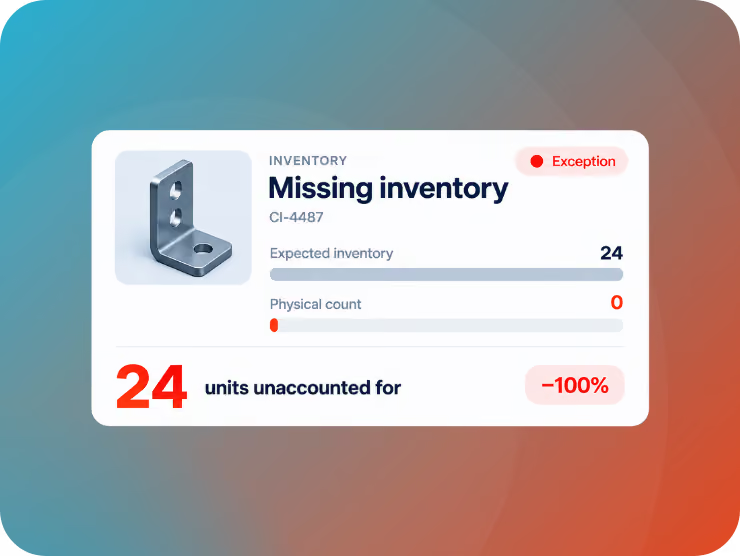
Every paper log and manual keystroke is a chance for inventory data to go wrong. Misread handwriting, delayed entry, and re-keyed numbers leave your ERP out of sync with what's actually on the shelf, in the truck, or on the job site, and by the time anyone notices, the damage has already spread through the supply chain.
Handwritten counts and illegible notes turn transcription into a chance for error.
A misread number or transposed SKU throws off inventory records, and nobody notices until an order comes up short or a cycle count won't reconcile.
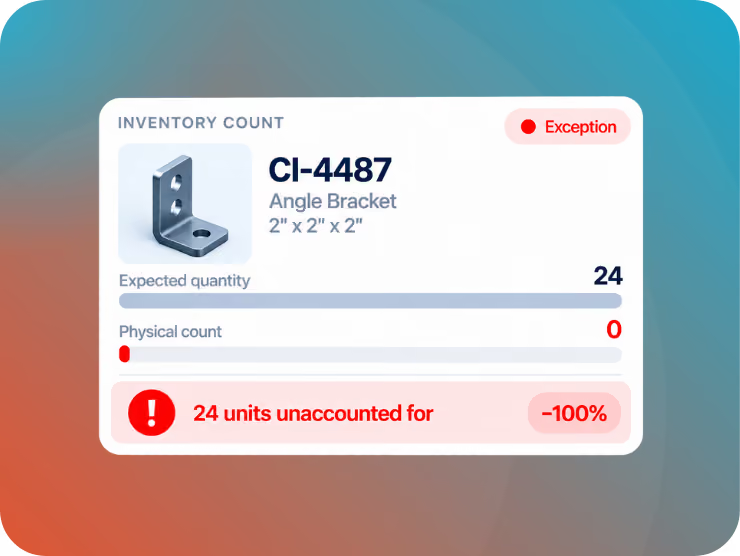
Paper spreadsheets sit in a bin until someone keys them in, so your ERP reflects yesterday's warehouse, not today's.
Pickers work off stale counts, planners reorder against outdated numbers, and stockouts arrive with no warning.
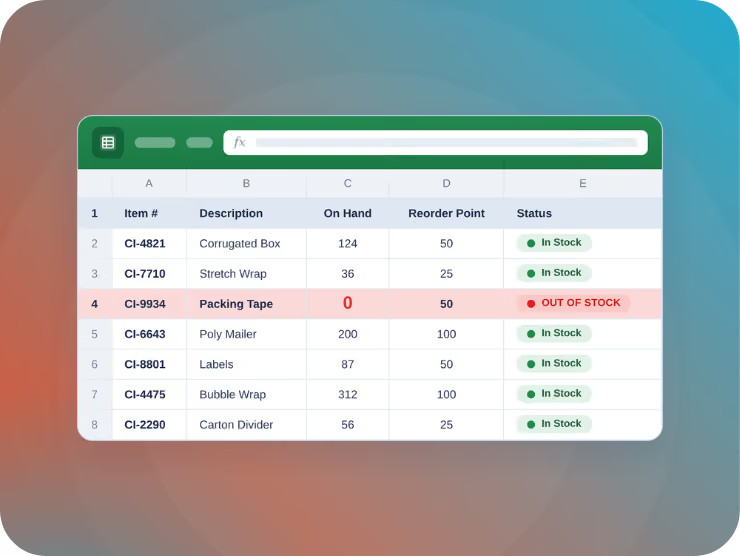
Every manually recorded inventory transfer gets touched twice: once on the floor, once at a keyboard.
That double handling eats hours each week, pulls skilled workers off higher-value tasks, and still leaves you exposed to errors.
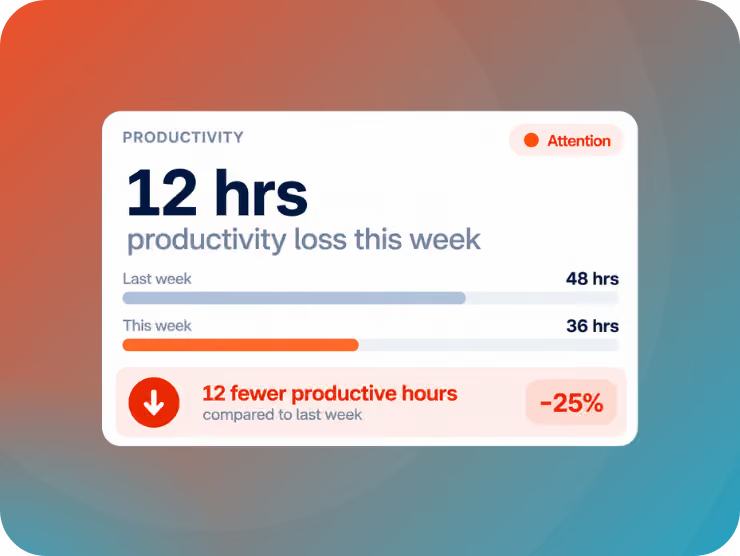
Paper trails break down once inventory leaves the four walls of the warehouse.
Without scan-verified tracking, you lose visibility into transfers, field stock, and last-mile deliveries, and when something goes missing, there's no record to trace it.
Why Switch to Mobile Scanning?
Watch achieving inventory accuracy go from a pipe dream to your new normal.
Never Second Guess Your Data
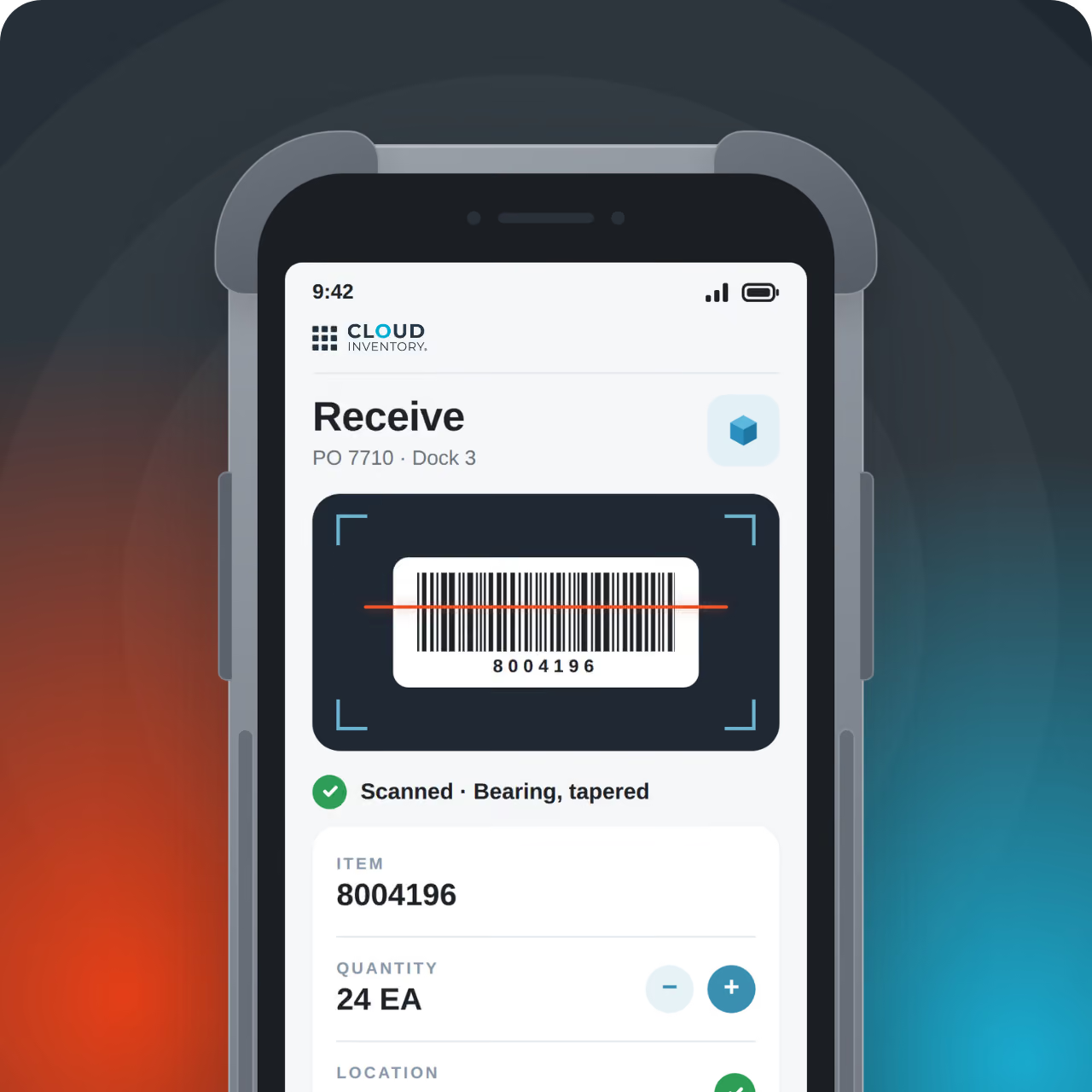
No more deciphering someone's handwritten inventory counts or wondering if you're working off of outdated information. With Cloud Inventory, you can capture inventory data with a simple barcode scan, so your system always reflects accurate information.
No Service? No Problem.
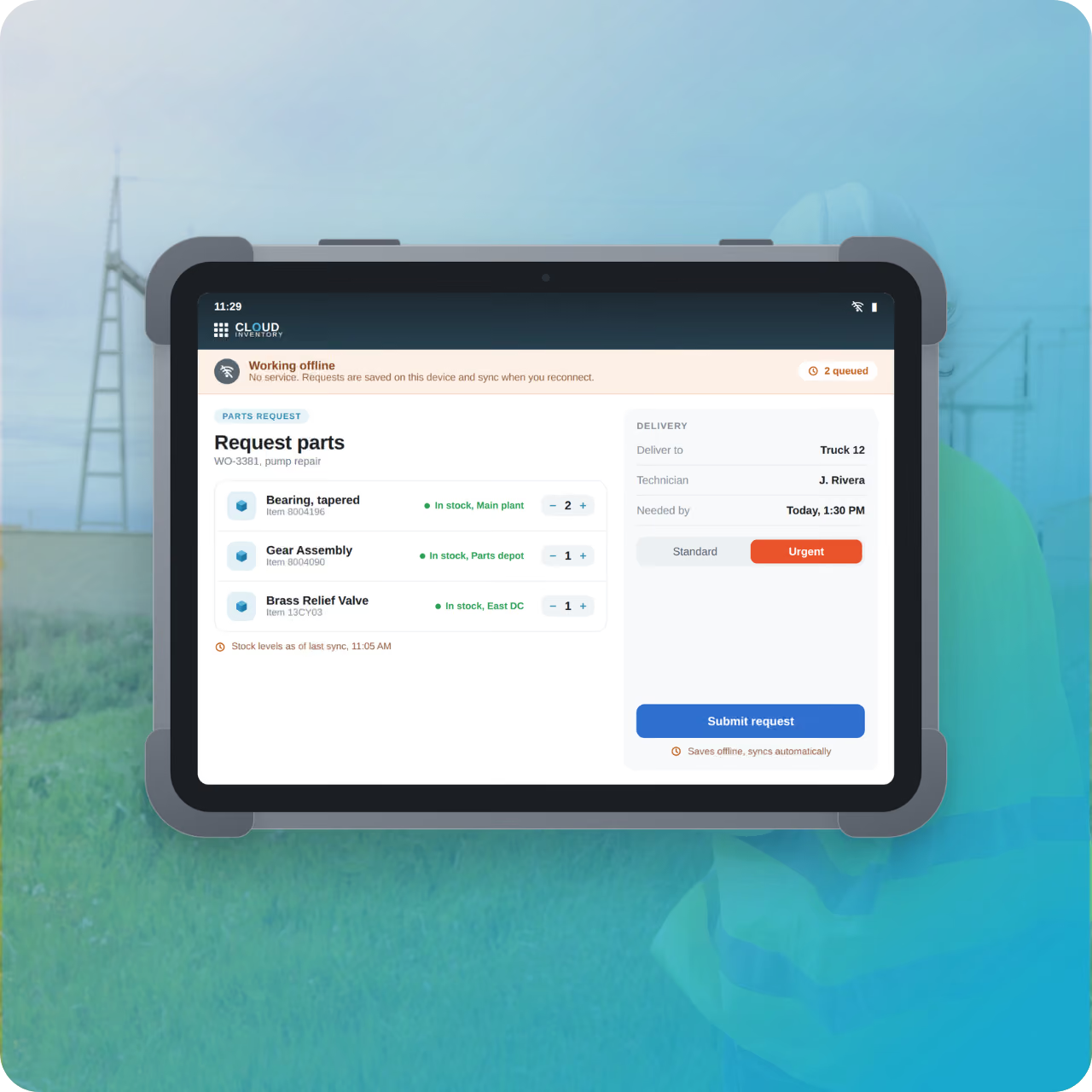
Unlike other mobile applications that require connectivity to function and enforce delayed data entry, Cloud Inventory apps work even in disconnected environments. When you're back online, the data you captured immediately syncs with your system of record.
Increase Efficiency
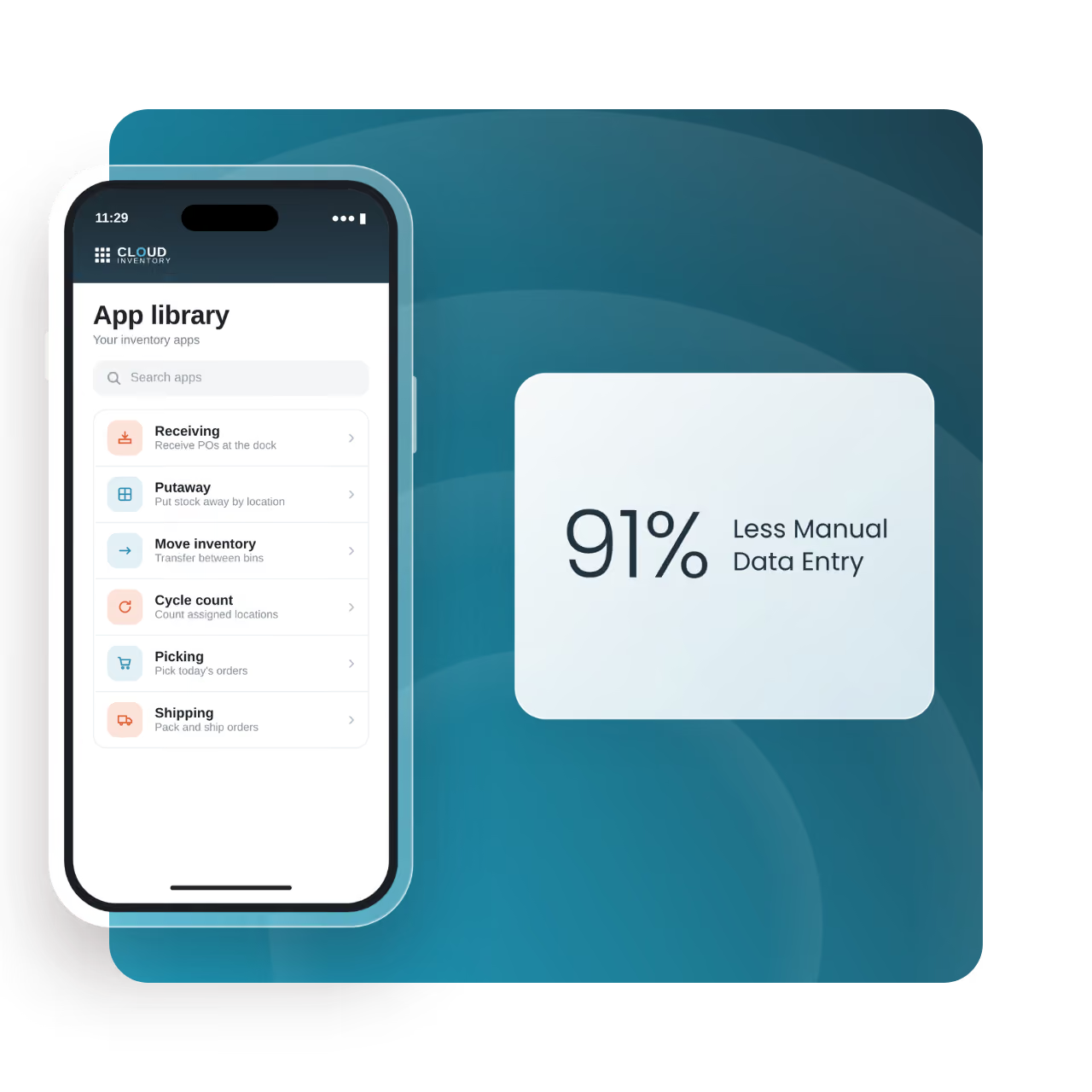
With mobile data capture from Cloud Inventory, you can eliminate the paperwork-to-keyboard cycle entirely. Workers scan once, and the transaction posts straight to your ERP, cutting hours of manual entry and freeing your team to focus on higher-priority tasks.
ROI You Can Measure in Months
99.5%
Inventory Accuracy
32%
Lower Safety Stock Requirements
40%
Increase in Productivity
30%
Reduction in Field Losses
Choose the Right Inventory Control Approach
Two different ways to upgrade your inventory operations, each designed to boost accuracy, speed, and visibility.
Plug Straight Into Your Current Setup
Keep data flowing between your ERP and every inventory activity for an up-to-date snapshot of your operation.








Cloud Inventory allows our mechanics to focus on work, rather than data entry.

Our ability to see data as it happens has allowed us to make management decisions on the fly, which has lowered the cost of the Diamond facility.

Putting real-time information in the hands of our warehouse personnel improved our productivity by more than 20%.





FAQs
Get answers to common questions about Cloud Inventory's approach to mobile data capture.
What is mobile data capture, and how does it improve inventory accuracy?
Mobile data capture replaces manual counts and paper logs with barcode and RFID scanning at the point of work, including receiving, put-away, picking, and shipping processes. Every scan pushes directly to your system of record in real time, so the number on the screen matches what's actually on the shelf, in the truck, or on the shop floor. The result: fewer miscounts, fewer stockouts, and fewer surprises during audits.
How does mobile scanning reduce errors compared to manual data entry?
Manual data entry fails in three predictable ways: mistyped SKUs, transposed quantities, and delayed updates that leave the system out of sync with reality. Scanning removes all three. A scan reads the exact SKU, captures the quantity at the moment of the transaction, and updates live in your system of record.
How does Cloud Inventory's mobile data capture connect to my ERP?
Cloud Inventory's scan-based workflows integrate directly with your ERP, so a scan on the warehouse floor updates in the same system your finance, planning, and fulfillment teams already rely on. No middleware, no nightly batch syncs, no reconciliation spreadsheets, just one accurate record updated the moment work happens.
Do I need dedicated scanning hardware, or can my team use smartphones?
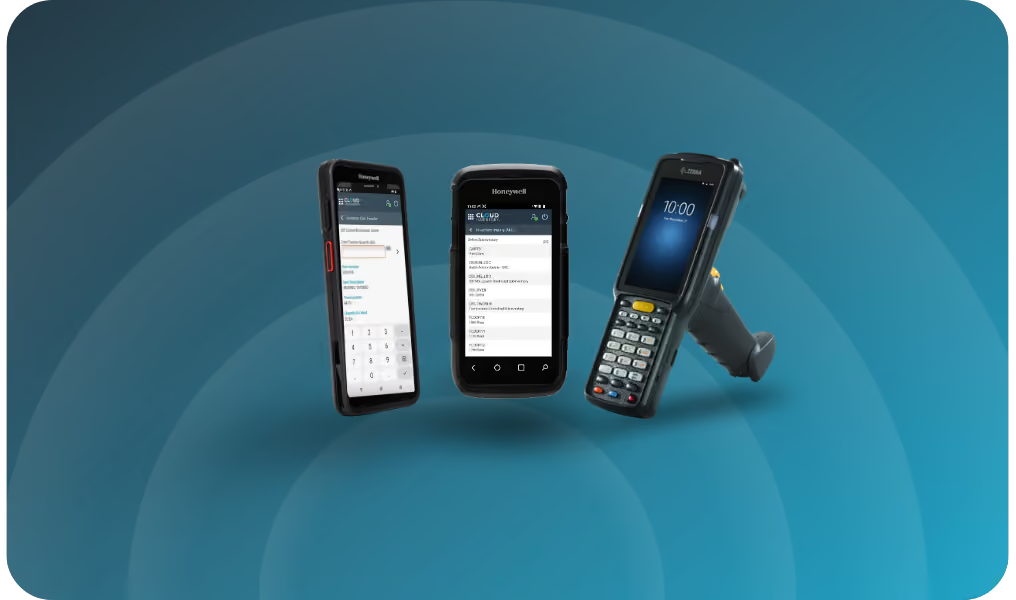
Either will work. Purpose-built scanners suit high-volume, rugged environments, while a standard smartphone or tablet with a camera can run the same scanning workflows for lighter-duty or mixed-use teams. The right choice comes down to your volume, environment, and existing device fleet. Visit our Hardware page to learn more.
How does mobile data capture help with cycle counting?
Traditional cycle counts pull workers off other tasks to count shelves by hand and reconcile the results afterward. With mobile scanning, every pick, putaway, and transfer already updates the count in real time, so cycle counts become a quick verification pass instead of a full recount, and discrepancies surface immediately instead of at quarter-end.
Other Common Inventory Pain Points We Solve
Inventory challenges look different across every operation. Explore how Cloud Inventory helps solve common barriers to visibility, control, and efficiency—from the warehouse to the field.
Inventory in the Field
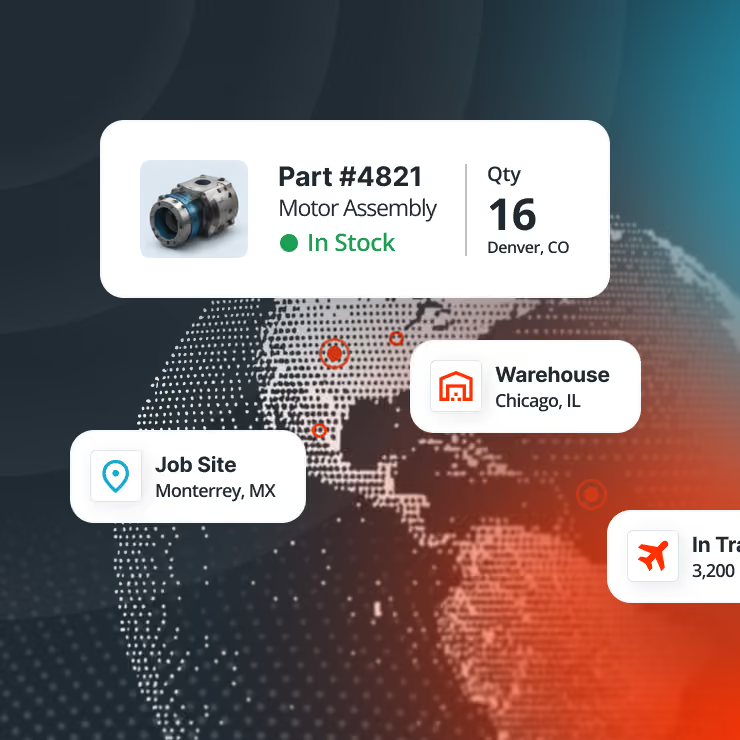
When inventory leaves the warehouse, visibility disappears. Regain control across trucks, sites, and the field.
Warehouse Management
Warehouse complexity is growing, but a full WMS may be overkill. Gain the control you need without the overhaul.
Inventory Control
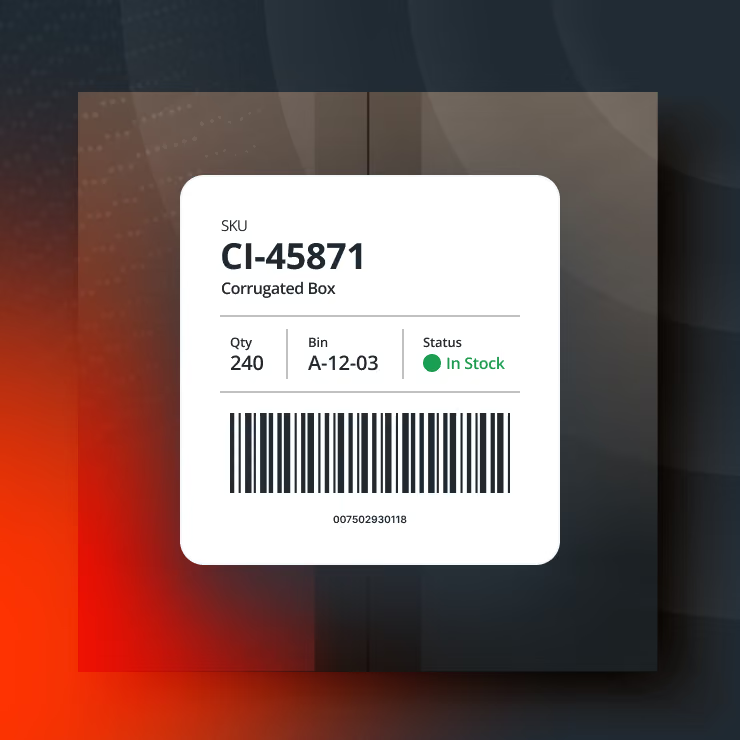
Your ERP plans the work, but execution happens on the floor. Close the gap with real-time, mobile inventory control.
Operational Efficiency
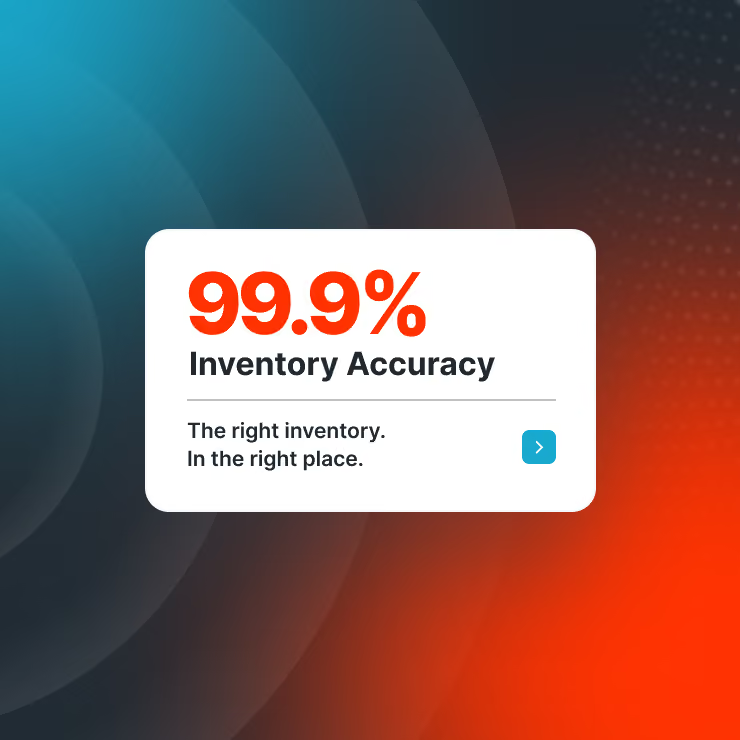
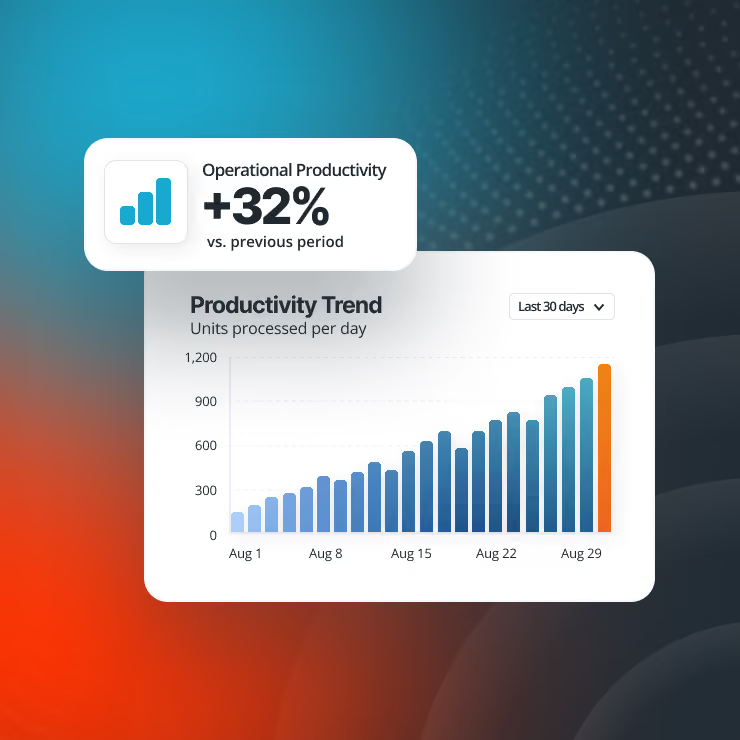
Inventory inefficiencies add time and cost to every transaction. Help your team accomplish more with less effort.
Practical AI Adoption
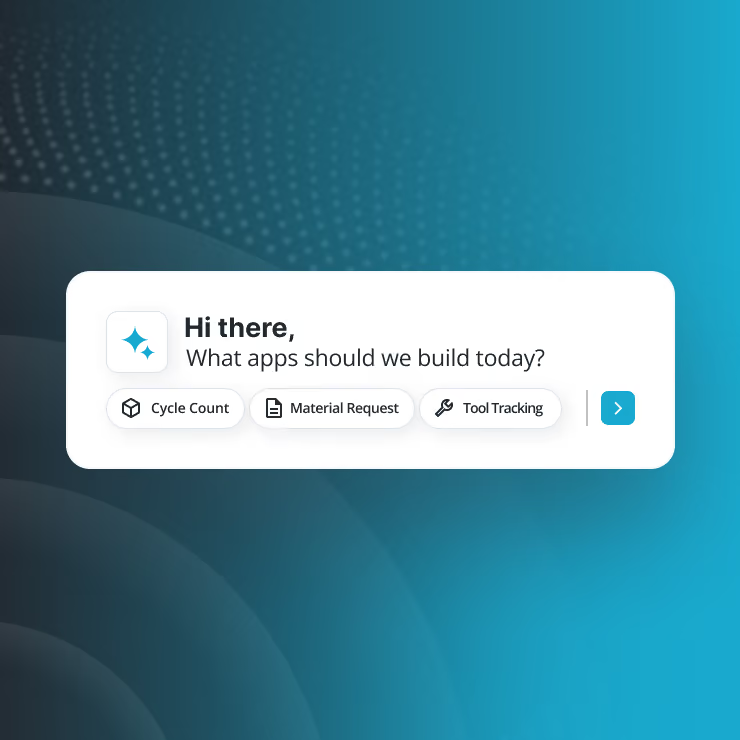
Introduce AI that actually makes an impact. Focus on proven use cases that can help you improve control and deliver significant ROI.

Customization & Tech Debt
Custom code solves today's problem but creates tomorrow's tech debt. Adapt without the maintenance burden.
Manage Manufacturing Materials
Lost visibility on the shop floor can lead to shortages and excess stock. Track materials as they're consumed.